
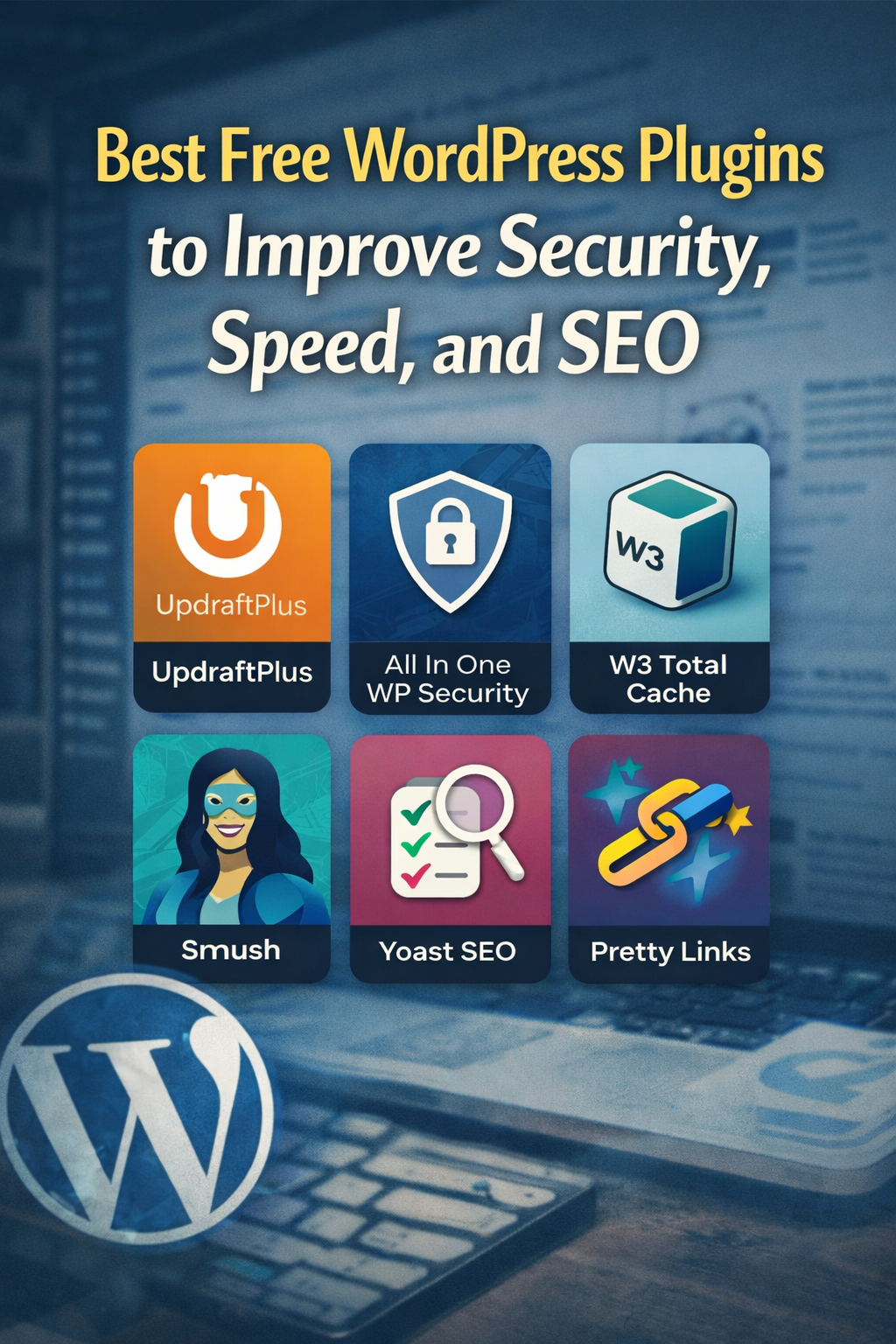
One of the biggest advantages of using WordPress is the massive ecosystem of free plugins available.
If there’s a feature you want to add to your site, chances are someone has already built it. Plugins are essentially add-ons you can install to extend your site’s functionality without writing custom code.
That said, I’ll admit it. I’ve been called a bit of a plugin junkie in the past, and the label is not entirely undeserved. There is a downside to all this free software. Installing too many plugins can slow down your site, cause conflicts, or introduce security risks if you are not careful.
With that in mind, here are a few plugins I consistently recommend, along with what they do.
1. All In One WP Security
Nobody wants to deal with a hacked website. This free plugin walks you through practical steps to harden your WordPress installation and protect your site from common threats. Follow the setup instructions and you will dramatically improve your baseline security.
Link
2. UpdraftPlus
Backing up your site to an external location is a must. This plugin makes it easy to schedule automatic backups and store them off-site.
My hosting provider runs daily backups, but I like having a redundant copy. I have mine configured to upload to Dropbox for peace of mind.
Link
3. W3 Total Cache
Site speed matters for both users and search engines. This plugin helps improve load times through caching and optimization.
I typically enable features like page caching, browser caching, and file minification to keep things running efficiently.
Link
4. Smush
Large image files are one of the most common causes of slow page loads. Smush compresses images automatically without noticeably reducing quality.
If your posts include a lot of images, be sure to enable lazy loading so images only load when users scroll to them.
Link
5. Yoast SEO
WordPress does a decent job with SEO out of the box, but this plugin helps fine-tune on-page optimization.
It allows you to customize titles and meta descriptions while offering guidance on readability and best practices. I do not obsess over getting every indicator to turn green, but I do take their recommendations seriously for content I want to rank.
Link
6. Pretty Links
The free version of Pretty Links lets you turn long, messy affiliate URLs into clean, readable links.
This makes it easy to update tracking links in one place if they change and keeps your site looking professional. I also use it to create short, memorable URLs for content, like custom page or episode links.
Link